7 Structured Lessons
Follow a clear learning path from launching LumaFusion through editing, audio, titles, transitions, colour and effects.
View curriculum →
A practical masterclass for creators who want to edit faster, smarter and with more confidence using LumaFusion on iPad, iPhone and Mac.
A complete beginner-to-intermediate training package built around real editing workflows.
Follow a clear learning path from launching LumaFusion through editing, audio, titles, transitions, colour and effects.
View curriculum →Over 3.5 hours of practical, no-nonsense instruction designed to help you understand the app properly.
Watch preview →Includes practice media, project resources, PDF guides and downloadable materials to help you learn by doing.
Buy now →A five-minute preview from Lesson 6, covering titles and transitions inside LumaFusion.
The course is designed to take you from the basics to a complete editing workflow.
Launching LumaFusion and understanding the basic layout.
Start hereFile management, organisation and preparing media for editing.
Organise betterCreating projects, adding clips and building your first edit.
Build the editSpeed, reverse, stabilisation and practical timeline control.
Control motionEditing audio, improving sound and working with practical audio tools.
Improve soundTitles, transitions, graphics and building stronger visual flow.
Watch previewColour, effects, LUTs and final polish for your finished video.
Finish strongProject files, practice videos, AI assets and supporting PDFs.
Buy nowBuy once and revisit the course whenever you need a refresher.
CheckoutLearn through practical examples, visual walkthroughs and resources you can actually use.
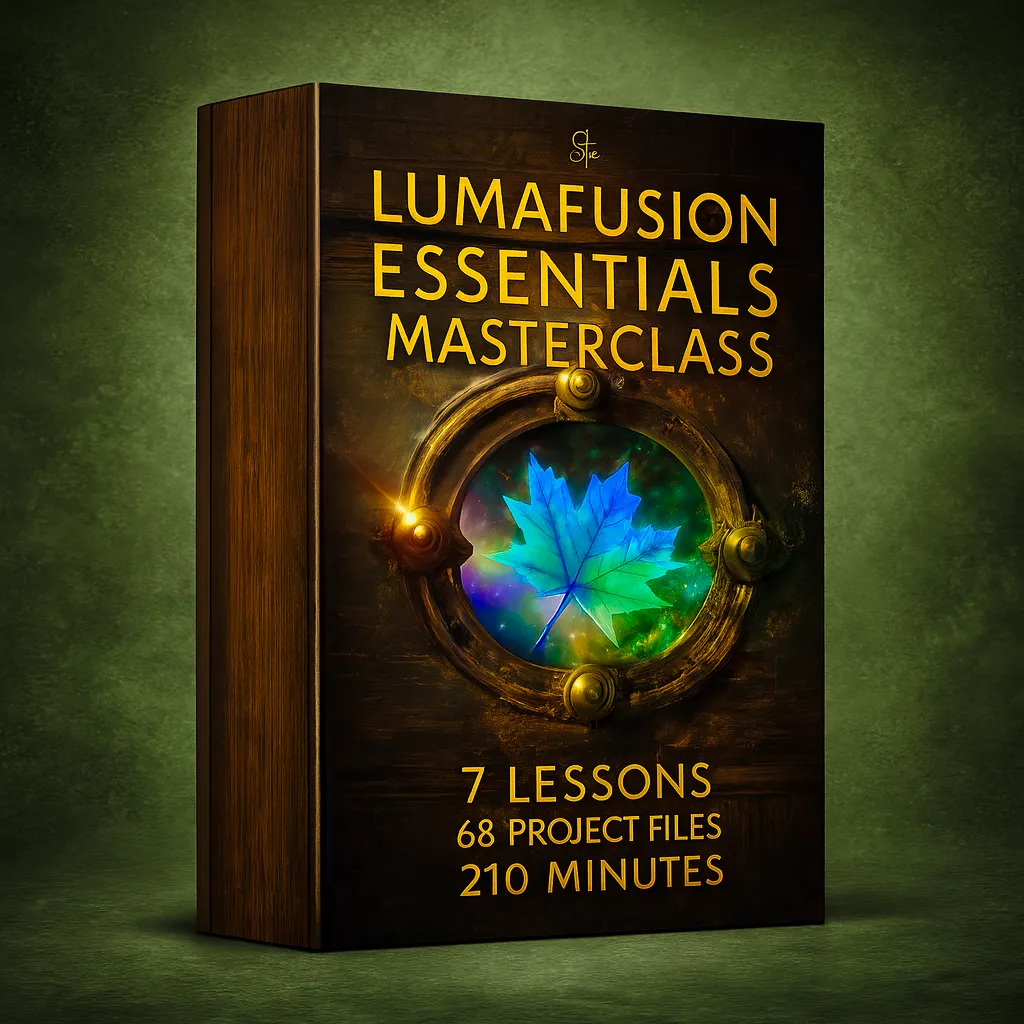
A full masterclass covering the tools and workflows that matter most.
Buy now →
Practice with real media, project files and guided lesson resources.
View lessons →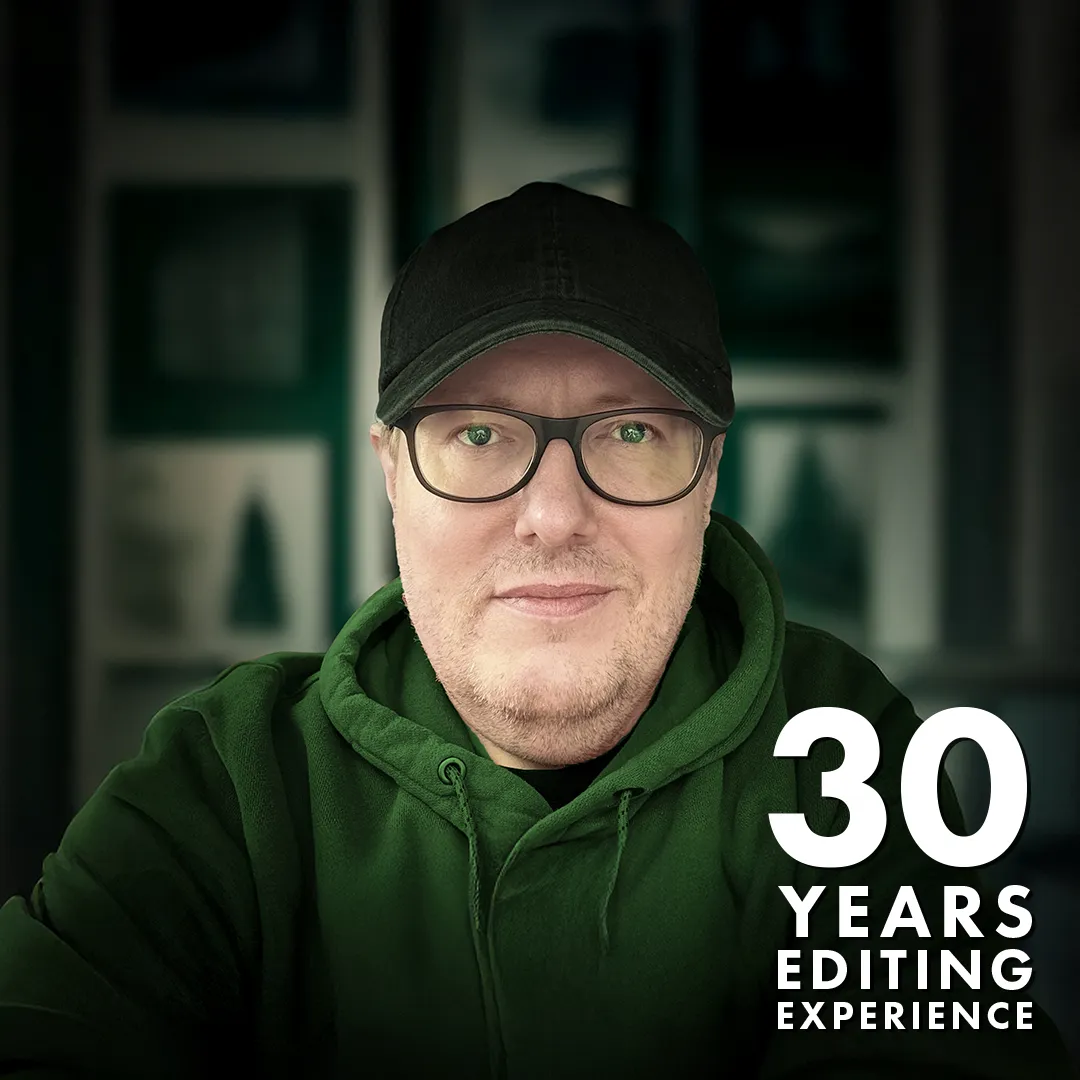
Build confidence with a clear editing process from import to export.
Watch preview →Learn the app properly, understand the workflow and start making better videos with LumaFusion.